Before the event
Judge Links and QR Codes
How a judge token works, how the scoresheet PDF is generated, and how a judge opens their scoring page.
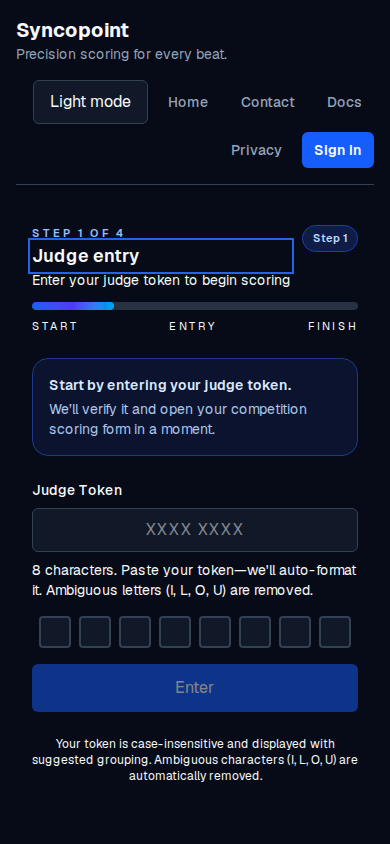
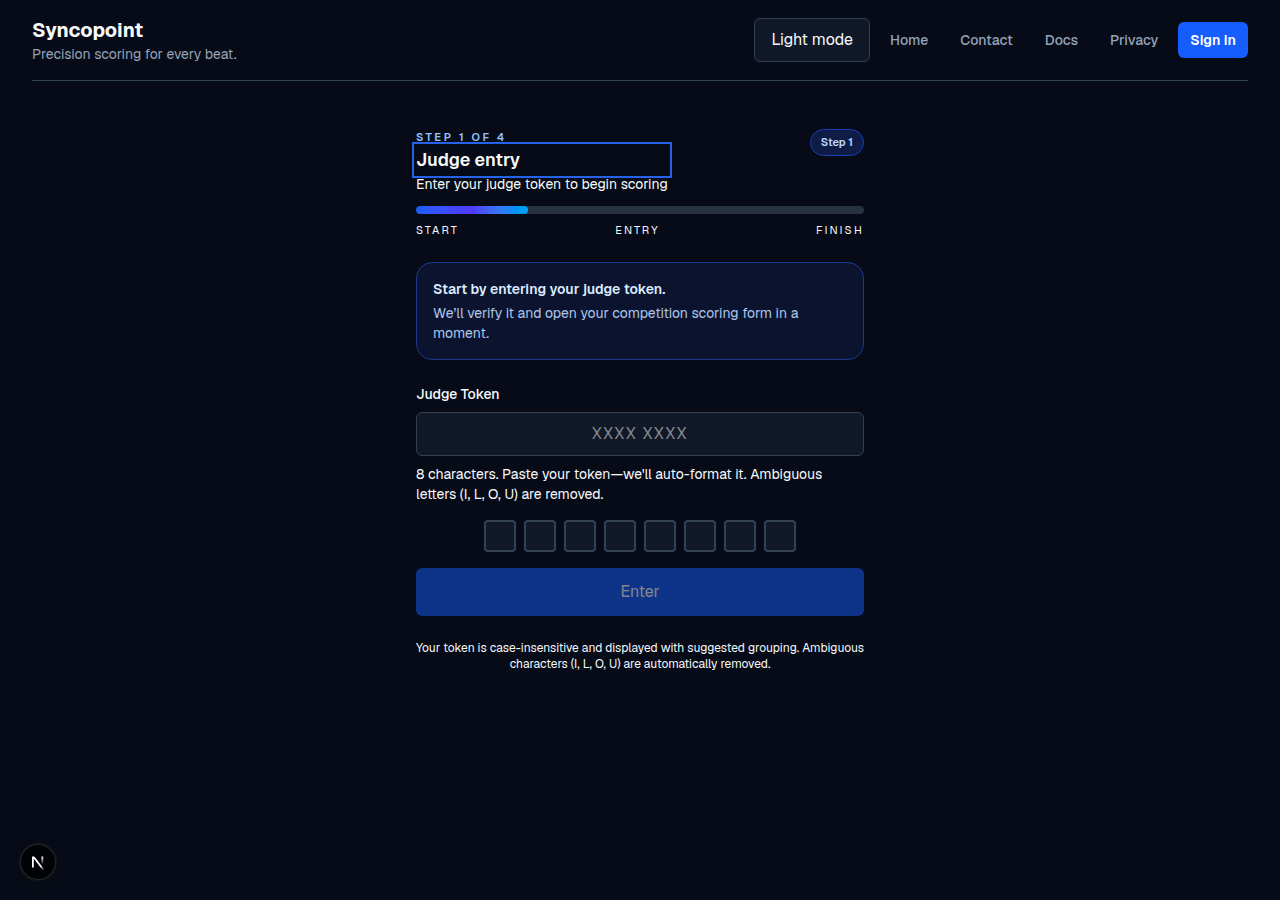
Each judge in a competition gets a unique 8-character token that opens their personal scoring page. The token is delivered as a QR code inside the scoresheet PDF, one code printed under each judge's name.
What a token looks like
- A short code like
Q5XTYHH3, shown to judges grouped asQ5XT YHH3. - Case-insensitive. Uppercase or lowercase both work.
- Tolerant of ambiguous letters. The token alphabet excludes I, L, O, and U entirely, so a stray one typed by hand is ignored.
- Single-use for submission. Once a judge publishes their scores, the token will not accept a second submission for that competition.
- Per-competition. A judge in two competitions holds two different tokens.
- Revocable. If the token has to be changed, the old one stops working immediately and a fresh one is issued (see If a judge loses their token).
How the QR code gets delivered
The QR codes are generated when the scoresheet PDF is built, not when the judges are saved. The flow is:
- You set the judge count and names in the configuration.
- You click Download Scoresheets PDF.
- The PDF prints each judge's name, their token in text, and a QR code
that, when scanned, opens the scoring page
(
/enter-scores?token=Q5XTYHH3) in the judge's browser. - The judge scans the QR (or types the 8 characters into the Judge Token field) and lands on their scoring grid.
How a judge opens their page
The QR code is a URL. A judge can:
- Scan the QR with their phone camera (most phones work), or
- Open the URL in a browser and type the 8 characters into the Judge Token field, or
- Read the token off a printed card. The token is printed in text under
the QR (for example,
Q5XTYHH3) for exactly this reason.
What to remember about tokens
- The app stores a hash of the token, not the plain value. When a token is regenerated, the old one stops working right away.
- The QR itself is a link, not a secret. The secret is the token inside the URL; treat the PDF as if it contains credentials.
- Do not share one QR between judges; each judge has their own.
If a judge loses their token
A fresh token can be issued for that judge; the old one stops working immediately. The judge then rescans the new QR (or you hand them the new code). Issuing a fresh token is a step your account administrator can do for you if you cannot do it yourself.
Common mistakes
- Forgetting to generate the PDF. The QR code only exists in the generated PDF. If it is not generated, the judge has nothing to scan.
- Sharing one QR between judges. Each judge has a different token and therefore a different QR.
- Assuming a judge can sign in with an email or password. They cannot; the token is the credential.