Before the event
Create and Configure a Competition
Add a competition to an event, and set its name, division, judging type, and stage.
A competition is one judged category: Mixed Prelims, Individual Finals, Chal Strictly, and so on. This page covers creating one and the initial choices.
You need an event first (see Your event).
Steps
- Open the event: Manage event →.
- In the Competitions section, fill in:
- Competition name: what the dancers and judges will call it (for example, Mixed Prelims).
- Division: LOWER or HIGHER if the event separates skill levels, MIXED if everyone is judged the same. There is a small ? next to the label that explains this.
- Judged as: Individual (each partner judged on their own) or Couple (the pair judged together).
- Prelim or Final: the stage.
- Click Create Competition. You should see Competition created, and the new competition appears in the list below with a publication status and Publish / Edit / Delete / Manage actions.
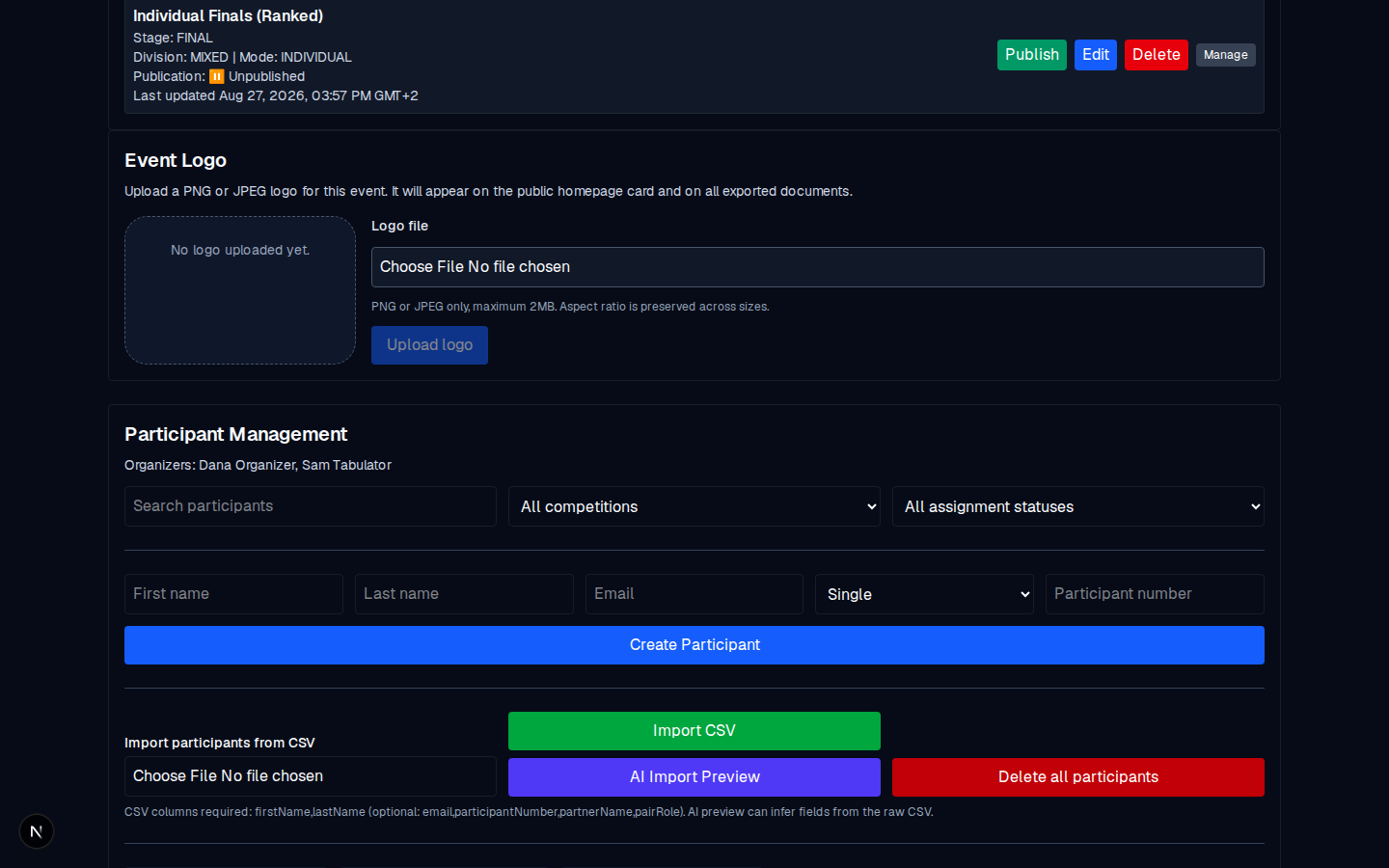
What the Manage button does
Manage opens the competition's editor. In there you can:
- edit the name, division, and stage inline,
- for prelims, set the Prelim Configuration: participants, judges, yes/maybe limits, heats, scoring system, head judge,
- for finals, set the Final Configuration: the finalist field, head judge, and publication,
- view the participant and judge grid,
- publish or revoke results and scoresheets.
There are dedicated guides for each of these:
Editing or deleting
Edit changes the name, division, and stage inline in the event list. Delete asks Delete competition permanently? and confirms. That removes the competition and its data; once deleted it is gone.
Common mistakes
- Creating the final before a prelim exists. A final's participant list is set by hand (or with Import Assigned Participants); it does not inherit one from a prelim. Create the prelim first, run it, then create the final and put the finalists there (see Run finals).
- Mixing up Division and Judged as. Division is skill level (Lower/Higher/Mixed). Judged as is individual or couple. They are independent choices.