Before the event
Couples and Partners
Register a couple, link the partner, and what the grid and results look like.
A couple is a pair of dancers (usually a leader and a follower) judged together in a Couple competition. In the scoring grid they appear as one row, not two.
Registering a couple
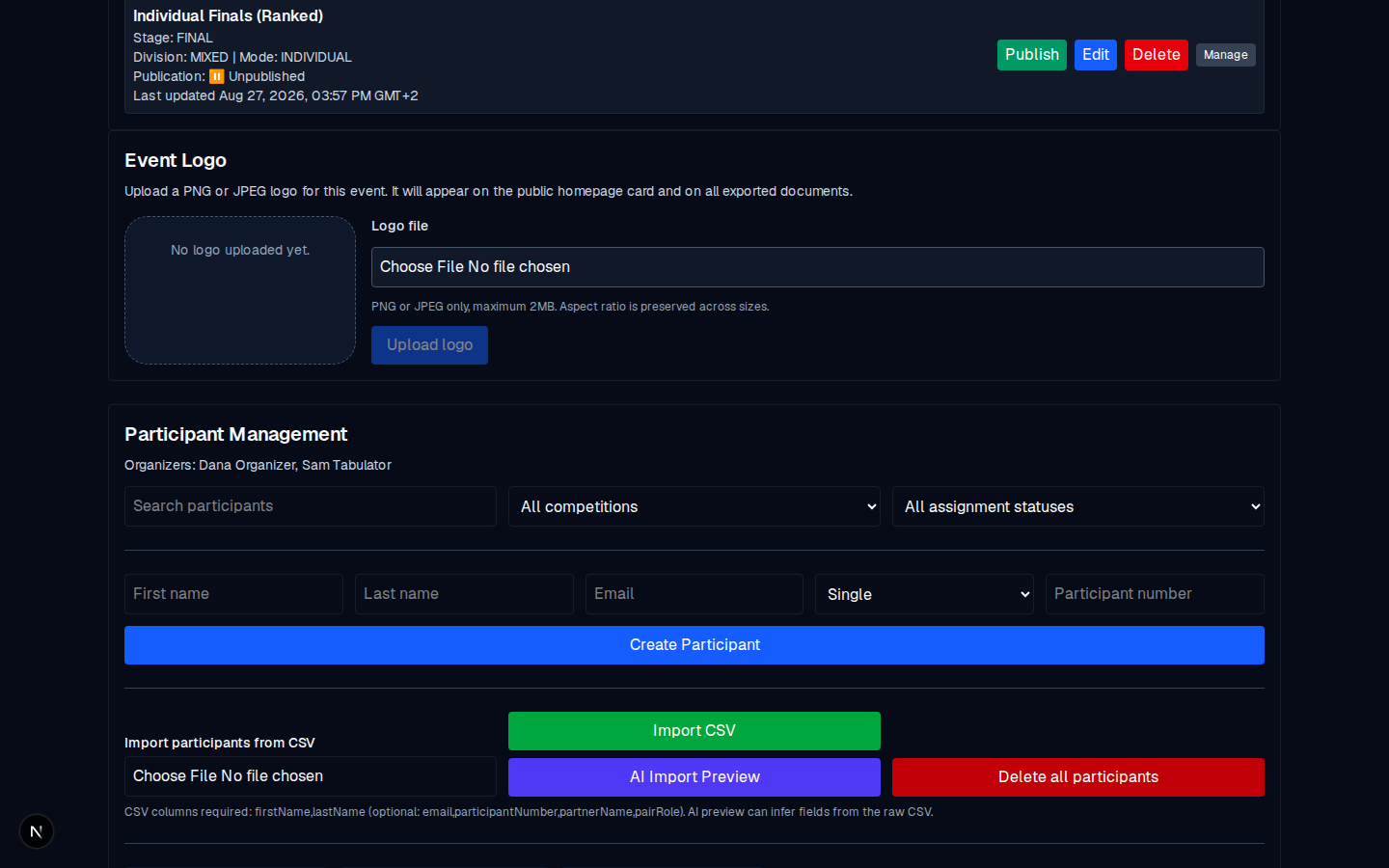
- In Participant Management, create the leader first: their first/last name, optional email, type Couple, optional participant number.
- In the leader's row, use the Partner name / Search partner field to pick the follower, and set the Pair role for each of them (Leader / Follower).
- Click Create Participant. The couple now appears as one row, for example Leader: Ada Alder / Follower: Amara Alder, numbered #1.
Unlinking
If the couple splits, the row's Partner unlinked / No partner selected control takes them apart. Each dancer becomes a standalone participant, and the one row becomes two.
What the judges see
In a Couple competition, each row is the pair. A judge votes the whole pair (a yes for the pair, not for one dancer). The public scoresheet and results list the pair as a single entry.
What the organizer sees
- In Participant Management: one logical row with both names.
- In the scoring grid: one row per couple.
- In the results, the couple's competitor number is the leader's number.
Common mistakes
- Registering two Singles and trying to fix it later. The participant number is assigned at creation, so if the two are a couple, register them as one at that moment. Splitting a registered couple back into two is supported, but the numbers are retained from the original creation.
- Not setting the Pair role. It controls the order of the names in the row. Set Leader first for the one whose name you want listed first.