Running the event
Scoresheet PDF
Generate the printable scoresheet with each judge's token and QR code, and share it ahead of event day.
The scoresheet PDF is what you give to your judges. It contains:
- The competition name, the event, and the stage.
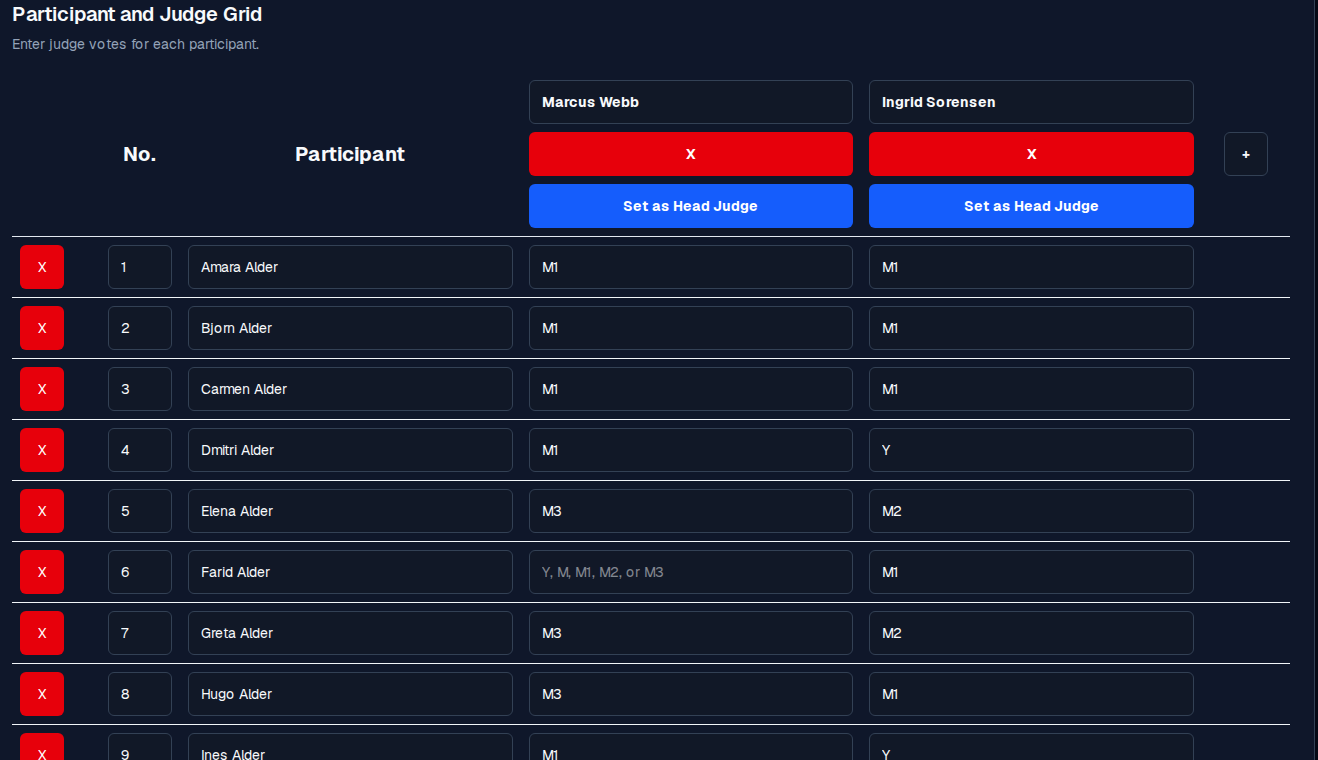
- The participant list in competitor-number order.
- A column for each judge, with the judge's name printed under their QR code.
- Each judge's QR code, which opens their personal scoring page
(
/enter-scores?token=…). - The scoring system description (yes/maybe caps, ranked maybe levels, and so on).
How it is generated
- On the competition editor, near the bottom of the configuration, click Download Scoresheets PDF. The button shows Generating PDF… while it builds, and Downloaded scoresheet PDF when it is done.
- The app provisions a token for each judge if one is not already set, builds the PDF, and downloads it to your device.
Sharing the PDF
- Email it to each judge before the event.
- Print it (large format if the venue has a screen, A4 otherwise).
- Upload it to a shared folder judges can pull from on event day.
- Do not post the PDF anywhere public; it contains the tokens.
When you must regenerate
Regenerate the PDF when any of these happen:
- a judge is added, removed, or renamed,
- a token is regenerated for any judge,
- the participant list changes,
- the scoring system or yes/maybe caps change.
A stale PDF with an old token is the most common source of Token rejected on event day.