Finals results
Export Results
Download rankings and scoresheets as XLSX, PNG, or PDF, for records, a website, or printing.
You can bring the results out of the app in several formats. Exports are generated from the current saved state, so Calculate first if you have changed anything you want in the file.
What you can export
| What | Formats | Where |
|---|---|---|
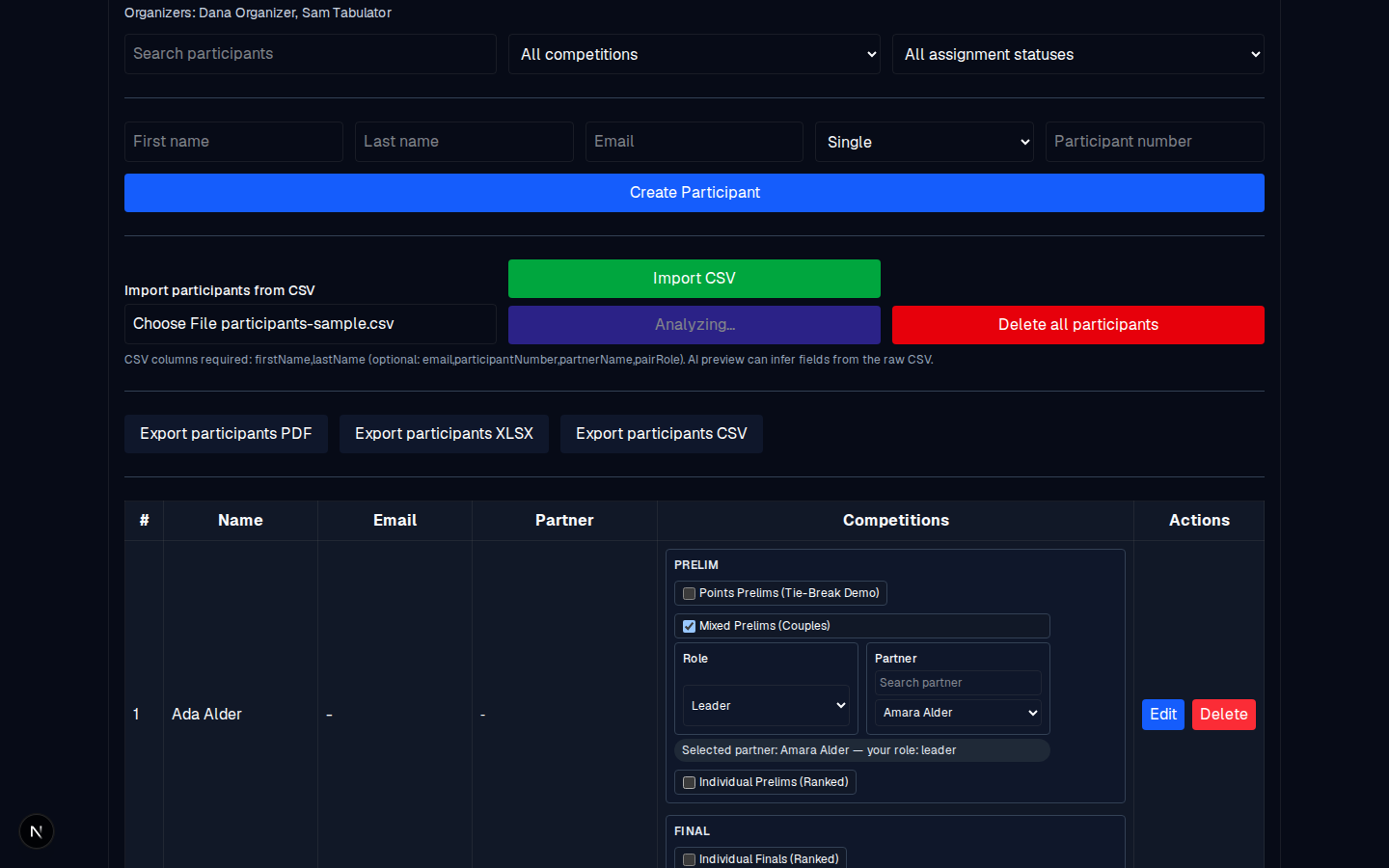
| Participants (in an event) | CSV, XLSX, PDF | Event → Participant Management → Export participants CSV / XLSX / PDF |
| Prelim results (the ranking) | XLSX, PNG | Competition → Prelim Results → export controls |
| Finalists and alternates | XLSX, PNG | Competition → Prelim Results → Finalists/alternates export |
| Final results (the ranking) | XLSX, PNG | Competition → Final Results → Export to XLSX / Export to PNG |
| Scoresheet (named / anonymized) | XLSX, PNG | Competition → export controls |
| Scoresheet as PDF (with judge QR codes) | Competition → Download Scoresheets PDF / Download Final Scoresheet PDF |
Typical uses
- XLSX: for the organizer's records, or for feeding a website that takes spreadsheets.
- PNG: for social media, a website banner, or a slide deck (it is the rendered image of the table).
- PDF: for printing. The scoresheet PDF is the one that carries the judge QR codes.
- CSV: for re-importing into another tool, or a plain-text record.
Steps (XLSX as an example)
- Open the competition: Manage →.
- Confirm the ranking is current (Calculate if needed).
- Click the relevant export button (for example, Export to XLSX in Final Results). The file downloads to your device.
What can go wrong
| Message | Meaning | Fix |
|---|---|---|
| No finalists/alternates selected for export. | Nothing is selected in the finalists/alternates table. | Select some (or run auto-selection) first. |
| No anonymized/named scoresheet data available for export. | The scoresheet for that flavor is empty (no judge votes to export). | Get the judges to submit first. |
| Failed to export … to XLSX/PNG. | A transient error. | Retry. If it persists, open the page fresh and retry. |
| Calculate final results before exporting. | The final ranking has not been calculated yet. | Click Calculate first. |
The one rule to remember
Exports reflect the saved, calculated state. If a judge just re-submitted (for example, after a fresh token was issued), run Calculate before exporting; otherwise you will get the old state.